Ever finished a listening session and wondered, "Why is that artist in my top five?" You're not alone. Spotify's listening statistics can feel like a black box, but there's a clear system governing your Top Artists, End-of-Year reports, and personalized recommendations.
Understanding this system is key to making sense of your music habits, and understanding the power behind a service like Tune Tracker.
Here is a clear breakdown of the rules that shape your listening profile.
What Counts as a "Stream"?
This is the most critical rule: Spotify counts a stream only once you have listened to a track for at least 30 seconds.
- Under 30 seconds? No stream is logged, even if you listened for 29 seconds.
- Over 30 seconds? The stream is counted, even if you skip the remaining part of the song.
- Repeating the song? Every time you hit the 30-second mark, it's logged as a new, unique stream.
If you frequently skip tracks after a quick listen (e.g., shuffling quickly through a new playlist), your stream count might look surprisingly low. However, Spotify is still tracking those total minutes/seconds listened.
The Invisible Time Windows That Define Your Rankings
When Spotify generates your "Top Artists" list, the ranking depends entirely on the time window it's analyzing. Your personalized lists are generally based on:
- Last 4 Weeks: Shows your current obsession. Great for new releases.
- Last 6 Months: Shows your strongest habits over a longer period.
- All-Time Listening: Shows your lifetime favorites. This generally covers the last few years of listening, not necessarily true all-time history.
This explains why an artist you played non-stop two months ago might be high in the 6-month report but drop completely out of your most recent 4-week top list.
Why Your Stats Don't Always Match Your Memory
It's common for users to feel their stats are "wrong." A few subtle factors can unintentionally skew your results:
- Ambient Listening: Listening to music during work, training, or while sleeping often means long tracks or full albums play out, consistently racking up stream counts for those specific artists.
- Track Spreading: Remixes, live performances, and alternate versions of the same song often count as separate tracks. Your love for an artist might be split across several entries, making their stream count look lower than you expect.
- Playlist Behavior: Are you consistently playing a shared, automatic, or mood playlist? Those streams go toward the artists in the list, even if you weren't consciously focused on their music.
What Spotify Uses for Recommendations
Your top lists are driven by streams, but your recommendations (Discover Weekly, Release Radar) are driven by a much deeper set of engagement signals:
- ✅ Saving: Adding a song to a personal playlist or your library.
- ❤️ Liking/Hearting: Signaling strong approval.
- ⏩ Skipping: Repeatedly skipping a track is a strong negative signal.
- ⭐ Following: Whether you follow the artist's page.
These signals combine with your stream count to create your unique "listening profile," which is essential for accurate new music discovery.
Visualize Your Habits
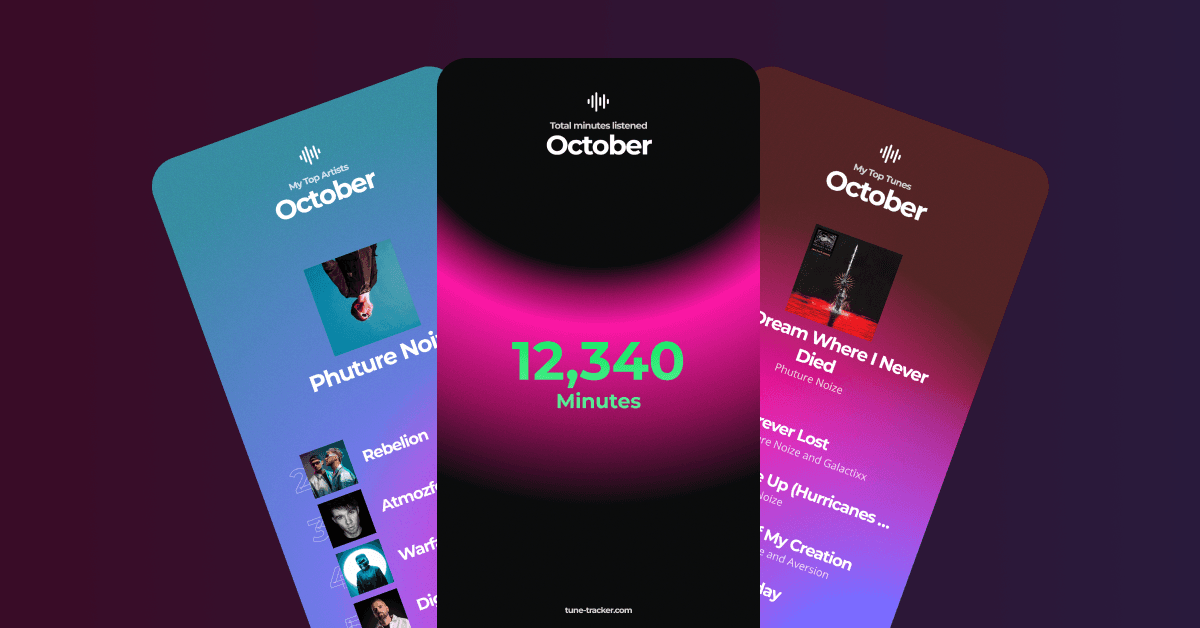
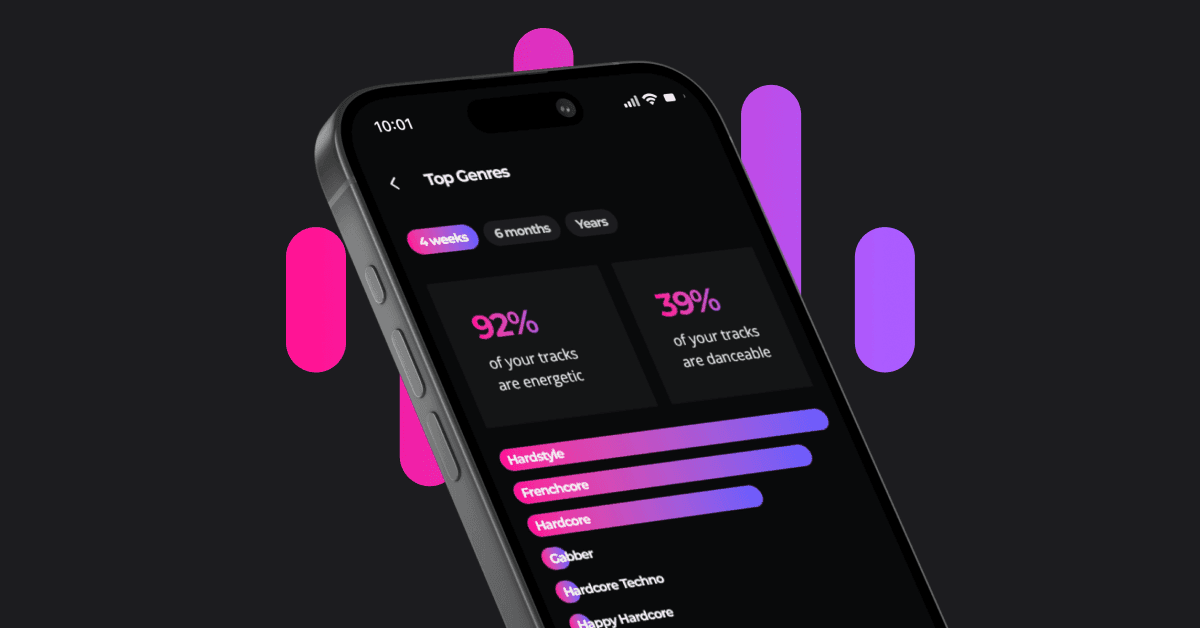
Forget the guesswork. Once you log in to Tune Tracker, your personal dashboard becomes the ultimate source for understanding your music habits. We provide a clear, visual breakdown of your stats across those critical timeframes: the Last 4 Weeks, Last 6 Months, and your Long-Term History. But it goes deeper than just streams. Inside Tune Tracker, you can instantly see:
- Your Top Genres: See which genres dominate your listening during those same periods.
- Audio Feature Analysis: Get fascinating insights into the sound of your habits, such as the average danceability, energy, and acousticness of the music you stream most often.
Tune Tracker gives you the control and clarity to see your current trends and long-term favorites, all in one place. View Your Stats Dashboard