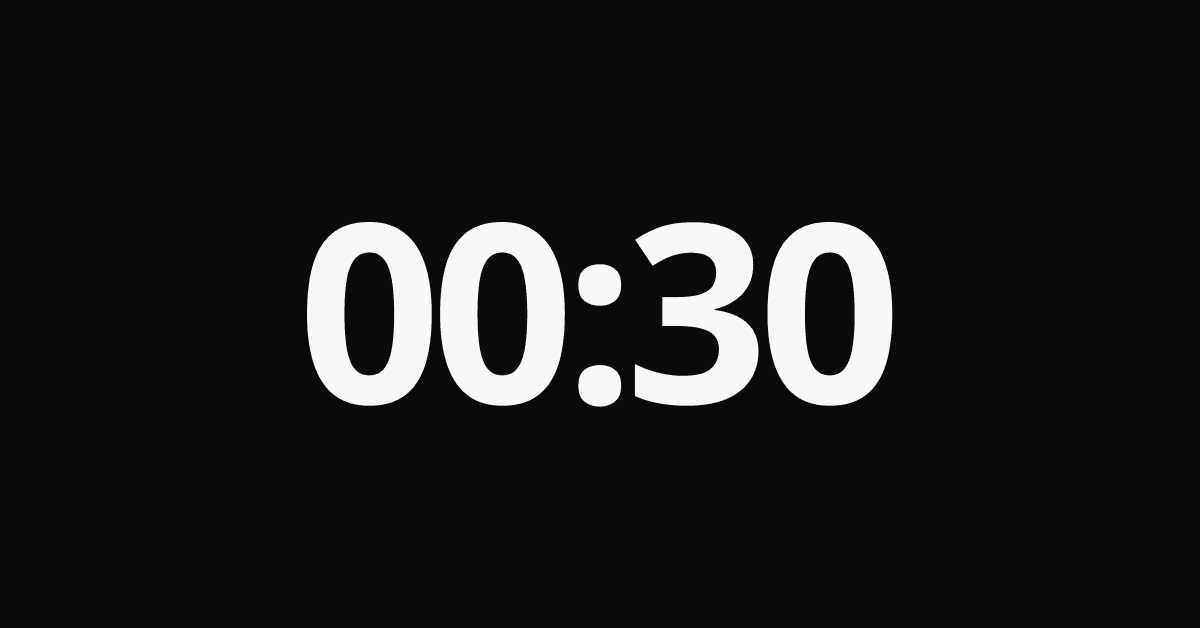
Short answer: Spotify counts a listen, which it calls a stream, once you've played a track for at least 30 seconds. Anything shorter doesn't count.
That's the headline rule. The details are where most of the confusion comes from, so here is how it works for skips, repeats, offline listening, and more.
The 30-second rule
A play only becomes an official stream after 30 seconds of playback. It doesn't matter whether the song is three minutes long or ten. Reaching the 30-second mark is what counts.
That means skips depend on timing:
- Skip at 29 seconds: not counted.
- Skip at 31 seconds: counted, even if you never hear the chorus.
- Let it finish: counted once, the same as a skip at 31 seconds. Listening longer doesn't add extra credit.
It's all or nothing. There's no partial stream. Artists see early skips as skips, and a high skip rate is one of the signals they watch. So skipping through a playlist only adds streams for the tracks you let play past that point.
Do repeats count?
Yes. If you replay a song, whether by hitting repeat or tapping it again, each new play counts as another stream once it reaches 30 seconds again.
Spotify does work to detect artificial streams, such as bots or looping used to inflate numbers, so repeat listening by a real person is counted, but suspicious patterns can be filtered out.
Do offline plays count?
Yes. When you play downloaded music offline, Spotify records the plays on your device and syncs them when you next connect to the internet. Offline listening isn't lost.
One related detail: downloaded music needs you to go online at least once every 30 days for your downloads to stay available.
Do free listeners count the same as Premium?
Both count as streams. The difference is in how artists are paid, not in whether the play is counted.
Your listens vs. your stats
Here's what trips many people up. The 30-second rule describes how Spotify counts streams for artists and royalties. It doesn't mean Spotify shows you a play count for every song you've listened to.
As a listener, you mainly see rankings: your top artists, top tracks, and top genres, over short, medium, and long time windows. These show what you've favored, not an exact count of listens. That's why people search for how to see how many times they've played a song and find no obvious answer.
Streams also aren't the same as minutes. A stream is counted per play once it passes 30 seconds, while minutes measure how long you actually listened. Our guide to seeing how many minutes you've listened on Spotify explains the difference and how to find your total.
For more on how the numbers are calculated, see how Spotify calculates your listening statistics, and Why Wait for December? Get Your Spotify Wrapped All Year Round covers getting recaps without waiting for the end of the year.
Tracking your own listening
Because Spotify doesn't show you a play count for each song, keeping your own record is the easiest way to see your habits over time. Tune Tracker logs your minutes listened in the background, starting from your very first login. You can check your totals by day, week, month, and year, along with your top artists, tracks, and genres. It's free on the Basic plan.
Quick FAQ
At least 30 seconds.
Only if you skip after the 30-second mark.
Yes, each replay counts once it passes 30 seconds, though Spotify filters out suspected artificial streaming.
Yes. They're recorded and synced when you reconnect.
Yes, the same as Premium listeners.
Spotify doesn't show this in the app. Your top lists show rankings rather than exact counts.