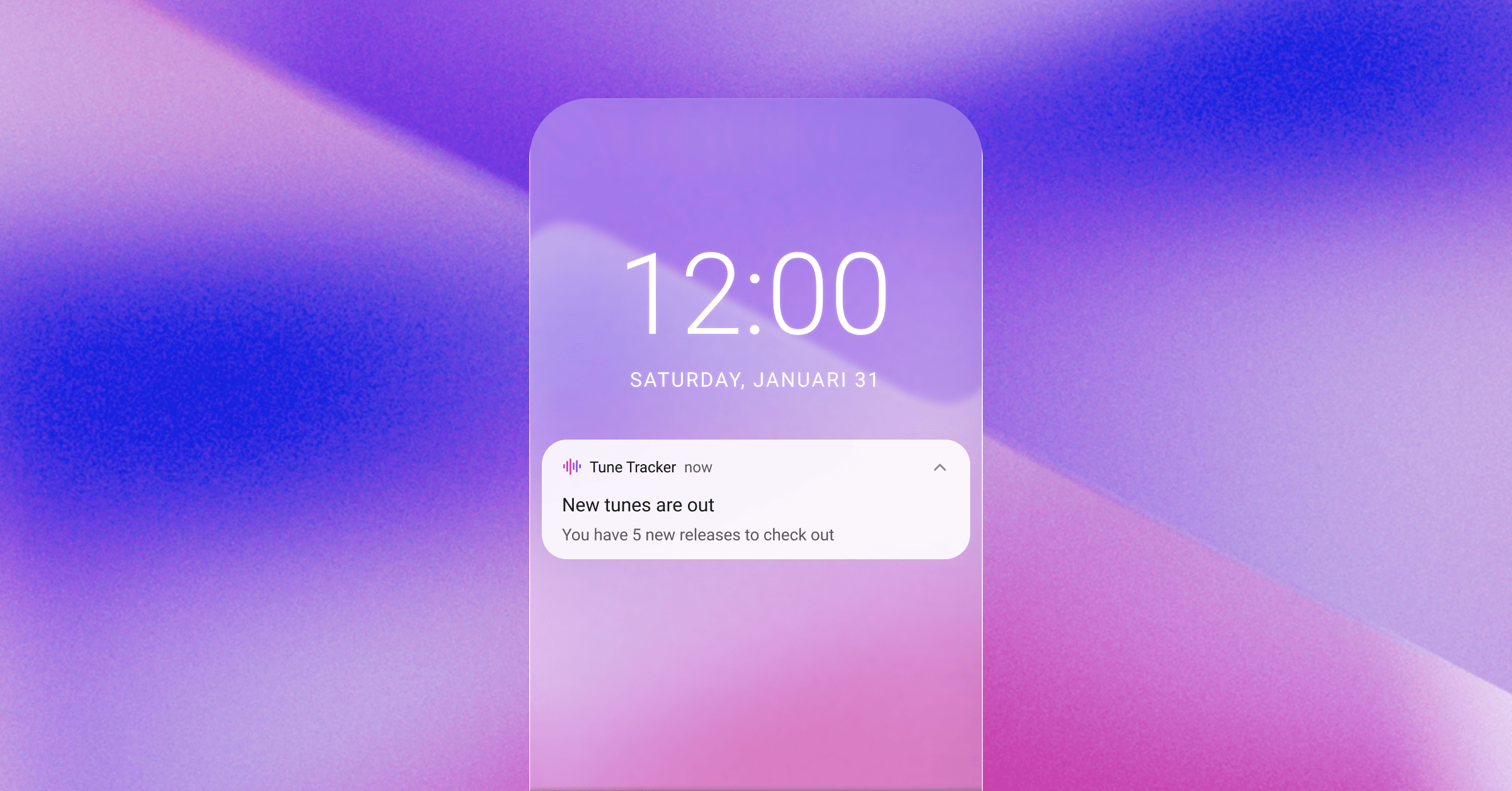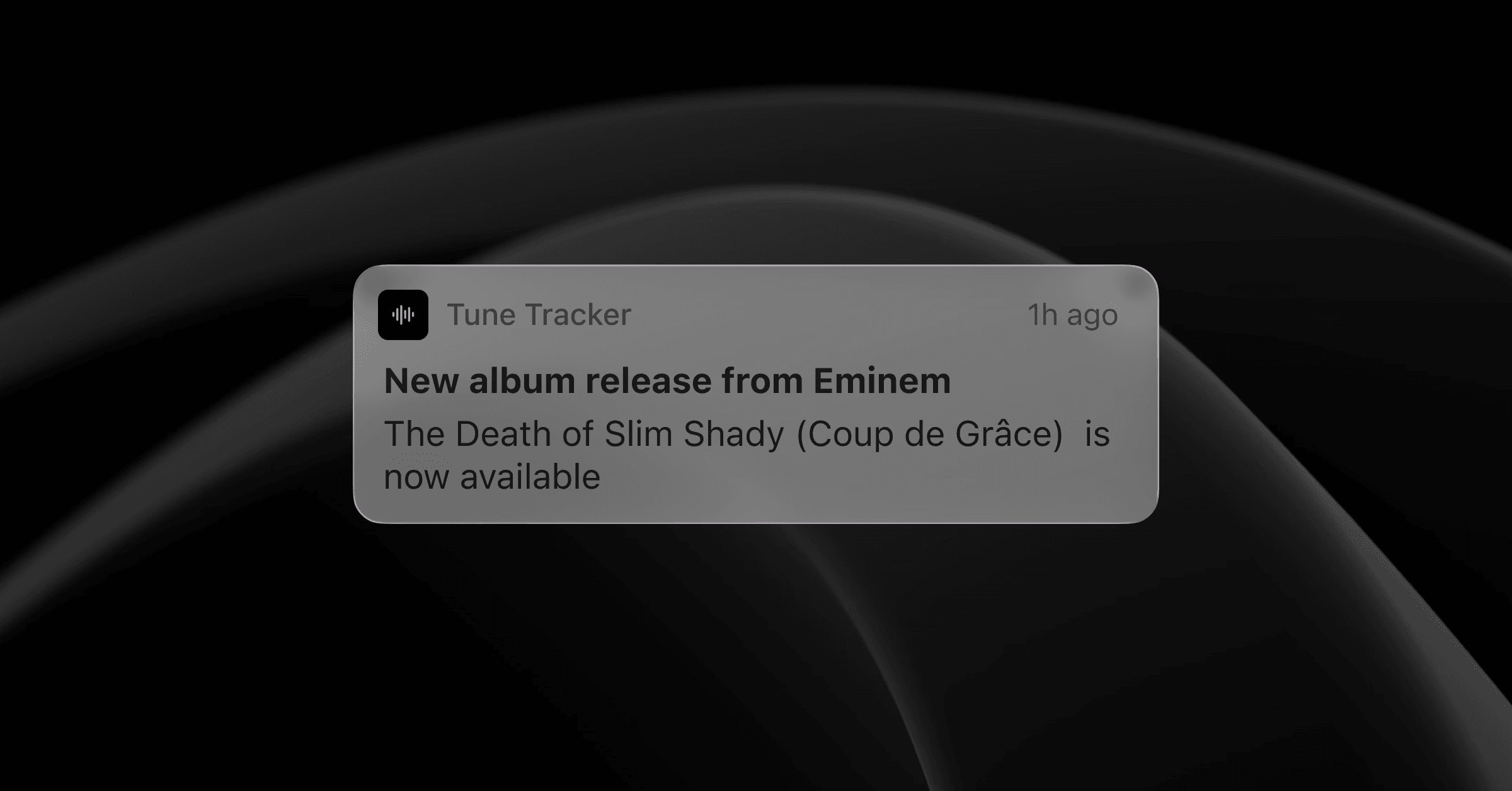
If you follow more than 50 artists on Spotify, you've already realized the "Following" system is broken. You click the follow button, but when a new single drops, it's a coin toss whether you'll actually see it in your feed.
True music fans don't want to leave their discovery to chance. This guide explains how to use a dedicated spotify artist tracker to monitor your library's activity and ensure every new drop is accounted for.
1. Why "Following" Isn't Enough
The problem with the standard Spotify experience is that it is passive. The app decides what to show you based on what it thinks you want to hear today. If you haven't played an artist in a few weeks, the algorithm might "hide" their latest release from your home screen.
A dedicated music tracker changes the dynamic. Instead of waiting for a suggestion, you are actively monitoring the source. It's the difference between waiting for the news and having a direct wire to the studio.
2. How Release Tracking Actually Works
When we talk about a song tracker, we are talking about a tool that bridges the gap between your Spotify library and your notifications. Here is the workflow:
- Library Sync: The tool looks at the artists you already follow.
- API Monitoring: It scans for new releases associated with those artists.
- Instant Detection: The moment a song is registered on the servers, the tracker identifies it.
This process ensures that even "surprise drops" or tracks where your artist is only a featured guest are caught by the net.
3. Setting Up Your Release Command Center
To get the most out of new music releases, you should treat your library like a curated collection.
Step 1: Prune Your Followed Artists
Great alerts start with a great artist list. If you are following novelty acts, old favorites you no longer listen to, or artists you forgot about entirely, your feed gets noisy fast. Spend a few minutes cleaning up your Spotify Following tab so every notification from Tune Tracker feels worth opening.
Step 2: Follow Artists Directly in Tune Tracker
With Tune Tracker, you do not need to rely on your Spotify Following list. Instead, you choose exactly which artists to track inside Tune Tracker itself.
This gives you full control over your watch list. Follow only the artists you truly care about, without worrying about cleaning up your Spotify account. Once an artist is followed in Tune Tracker, their new releases automatically appear in your feed so you never miss what matters.
Step 3: Keep Everything in One Place
Instead of bouncing between social feeds, artist pages, and release calendars, use Tune Tracker's dashboard to see everything in chronological order. It gives you a clear timeline of new music you can explore whenever it suits you.
4. Avoiding the "Friday Fatigue"
Most major releases land on Fridays, which can quickly turn into overload. With Tune Tracker, you see new drops the moment they appear, including surprise mid-week releases. That means fewer missed albums, less scrambling on Fridays, and a calmer way to stay on top of the artists you love.
Conclusion
You shouldn't have to work hard to listen to the artists you love. By automating the tracking process, you remove the stress of "missing out" and replace it with a reliable, organized stream of new music.
Stop searching. Start listening. Setup your release tracker now.